Features Built for Real Jobsite Documentation
DailyLogsPro is designed to capture the facts while you’re on site — then produce a clean record you can actually use for billing backup, compliance, and dispute defense.
Works great alongside PayAppPro and LienWaiverPro.
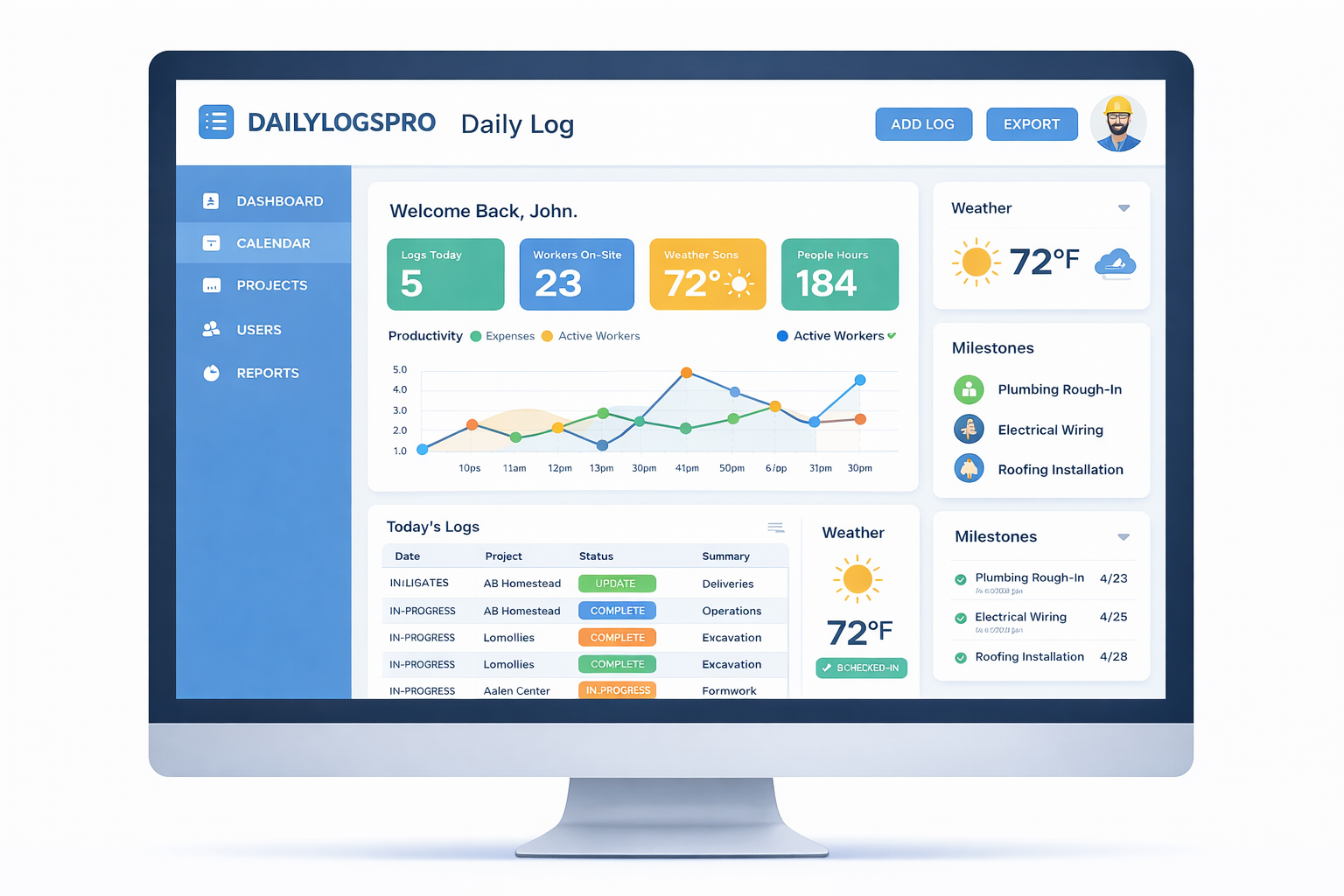
Core Daily Log Features
Everything you need to capture a consistent daily record — without turning your foreman into a full-time typist.
Structured Daily Report
A clean daily log format that captures the essentials: summary, work performed, labor counts, deliveries, delays, inspections, and notes.
Weather Capture
Auto weather pulled by location, with the ability to add jobsite-specific notes (wind, rain delays, ground conditions).
Crew & Labor Counts
Track headcount by crew or trade without turning it into payroll. Just enough detail to support production and progress.
Photos With Context
Attach photos directly to the daily log with timestamps and descriptions so they don’t get lost in someone’s camera roll.
Issues, Delays, & Deliveries
Log delays, deliveries, inspections, and blockers while they happen — not two weeks later when it’s suddenly “important.”
Clean PDF Exports
Export professional PDFs you can email, file, or attach to a pay app. No screenshots. No “here’s a Google Doc.”

Geo/Time Verification (So Your Logs Aren’t “Creative Writing”)
A daily log is only useful if you can trust it. DailyLogsPro is built around user attribution and verification so your documentation stands up under scrutiny.
- User attribution: who submitted the log and when
- Geo capture: where it was created (when available/allowed)
- Locking: submitted logs are treated as records, not editable drafts
- Audit trail: changes and exports leave breadcrumbs
The goal isn’t surveillance — it’s credibility. When there’s a dispute, your documentation shouldn’t be a question mark.
Made to Support Billing & Compliance
DailyLogsPro is designed to strengthen the systems that already move your money and protect your rights.
PayAppPro
Use daily logs as backup for percent complete, field progress, and pay app review questions.
LienWaiverPro
Tie log history to the work period and keep a cleaner documentation trail for waivers and closeout.
Best-fit use cases
- Support percent complete during billing
- Document weather delays and site conditions
- Keep photo evidence with a clear timeline
- Reduce “he said / she said” in disputes
- Create an audit trail for compliance and closeout
Want Early Access?
DailyLogsPro is planned for launch in Q2 2026. Join the list and we’ll notify you as soon as it’s ready.