Common Construction Daily Log Mistakes (and How to Fix Them)
Daily logs are either a project’s memory… or a liability. Here are the biggest mistakes that wreck credibility (usually unintentionally), plus simple fixes that make your documentation usable.
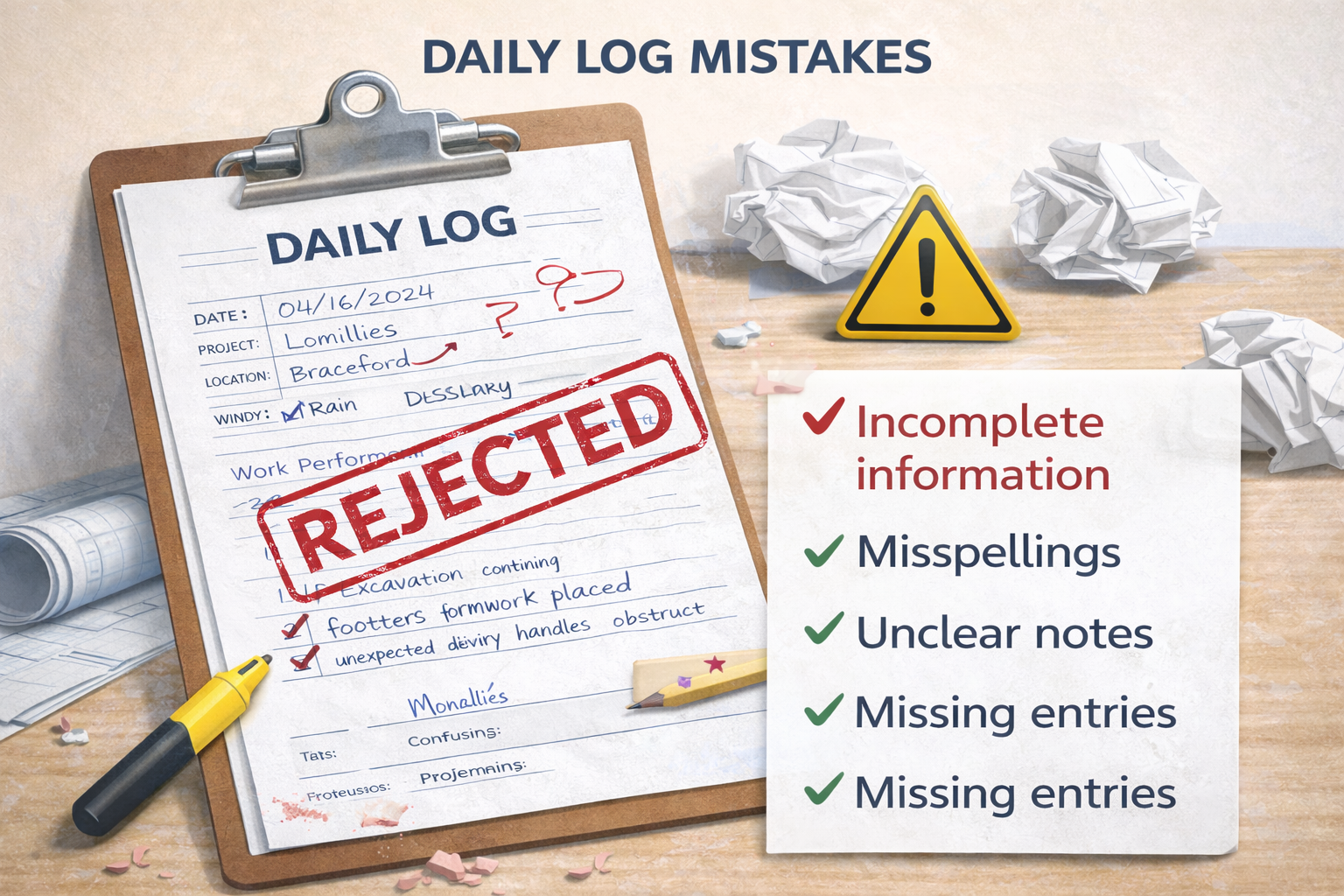
Most “bad daily logs” aren’t malicious — they’re just inconsistent. The good news: you don’t need perfect prose. You need a repeatable habit and a checklist that forces useful details.
The credibility rule
If someone who wasn’t there reads your daily log 60 days later, can they understand what happened without guessing?
Mistake #1: Writing the log days later
This is the #1 daily log killer. Late logs become memory-based and vague — and they’re easy to challenge.
- Fix: Same-day entry (even a rough draft) beats a “perfect” log written later.
- Tip: Keep it short: 5–10 bullets is enough if they’re factual.
Mistake #2: Vague “worked on…” language
“Worked on conduit” doesn’t help anyone later. Specificity is what makes logs useful.
Weak
Worked on conduit and lighting.
Better
Installed 120 LF of 2" conduit in north corridor (Level 1). Pulled wire for lighting circuits Rooms 110–118.
- Fix: Add location + scope + quantity when possible.
- Tip: If you don’t know quantity, use “area” (gridline, level, wing, room range).
Mistake #3: Missing crew counts (or making them meaningless)
Crew counts don’t need to become payroll. But “a few guys” is worthless.
- Fix: Headcount by trade or crew (Electrical 6, Concrete 4).
- Tip: If staffing was abnormal, note why (short crew, waiting on access, etc.).
Mistake #4: Weather is blank or guessed
Weather matters most when it impacts schedule or productivity — which is exactly when people argue about it later.
- Fix: Record weather + the impact (“rain AM; muddy access; 1 hour lost”).
- Tip: “No impact” is still useful if weather was ugly.
Mistake #5: Photos with no context
Photos are powerful documentation… but only if they’re tied to a date and explained. Otherwise they’re just random images on someone’s phone.
Fix this with a 10-second caption:
- Where: location/area
- What: what the photo shows
- Why: progress, issue, delivery, or condition
Mistake #6: Not documenting delays (or documenting them badly)
If something slowed progress, it belongs in the daily log — factually. The mistake is either ignoring it or writing an opinionated rant.
Bad
GC messed up again. Couldn’t work.
Good
Delayed 1 hour waiting on ceiling grid install in Rooms 114–118. Notified GC; rescheduled work pending grid completion.
- Fix: State the impact + cause + action taken.
- Tip: Avoid blame language. Stick to observable facts.
Mistake #7: No standard checklist (so key fields get missed)
This is why logs vary wildly by person. Without a checklist, people skip the same “boring” details that later become critical.
- Fix: Use a standard structure every day.
- Best next step: See what to include in a daily report.
Why these mistakes matter for billing & disputes
When pay applications get questioned or timelines get disputed, daily logs become the “receipts.” The more consistent your logs are, the less room there is for arguments.
- Support percent complete during pay app review
- Document delay causes and impacts
- Establish jobsite conditions (weather/access)
- Preserve photo evidence with context
This is exactly why DailyLogsPro is designed to work alongside PayAppPro and LienWaiverPro.
FAQ
Related guides
- What is a construction daily log?
- What to include in a daily report
- Template vs software
- How daily logs support pay apps
DailyLogsPro (Q2 2026)
Verified field reporting: weather, crew counts, photos, notes, and geo/time capture — built to support billing and reduce disputes.
Get Launch AlertsBuilt by Morton Technologies LLC (Metro Detroit).