How Daily Logs Support Pay Applications
Pay apps get questioned for one reason: the reviewer can’t see the work. Daily logs fix that by creating a credible, date-by-date record of progress — with photos, crew context, and documented impacts.
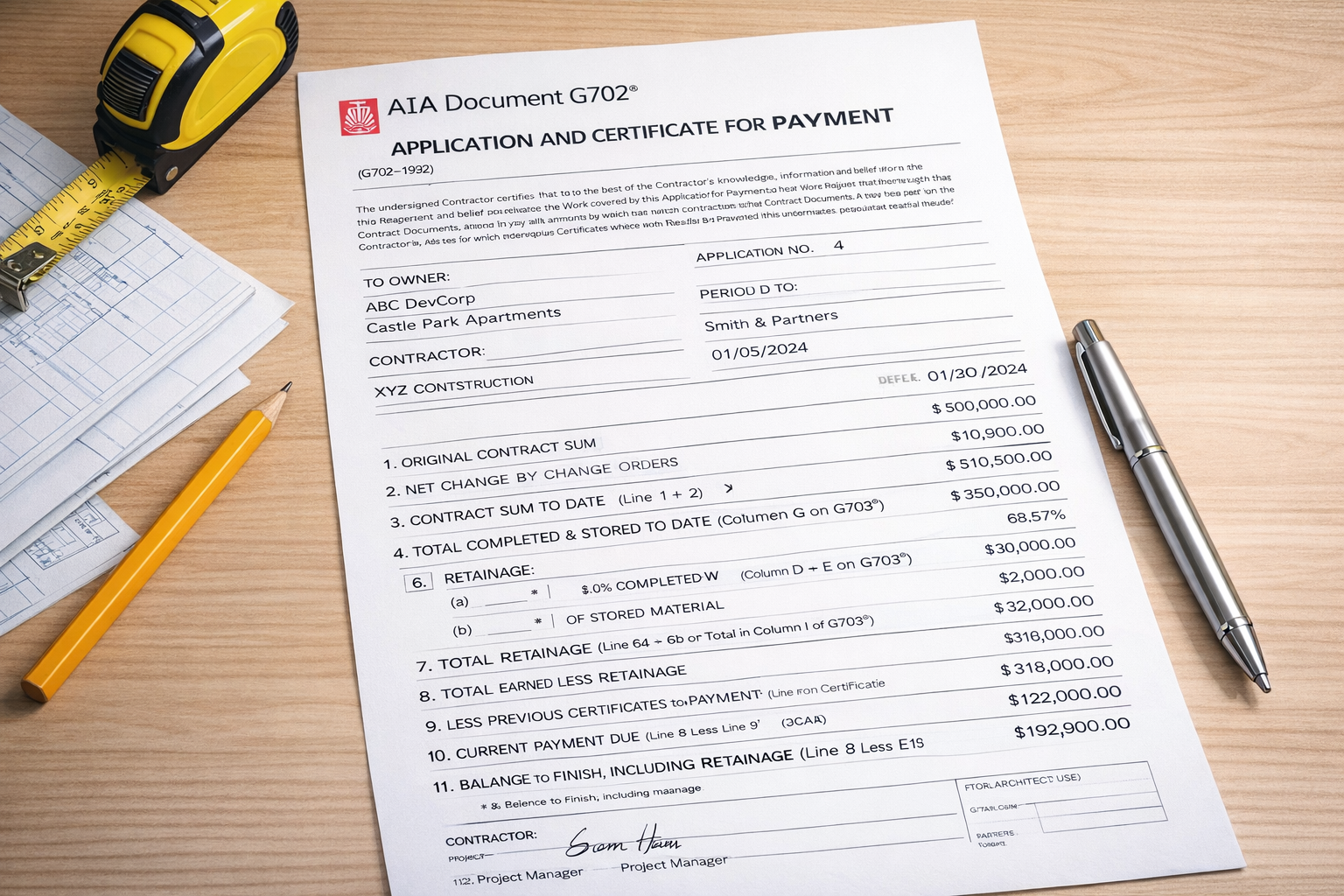
In theory, percent complete should be straightforward. In reality, pay application review turns into “prove it” the moment someone is nervous about cash, schedule, or scope. Daily logs are the simplest way to show progress without turning billing into a courtroom drama.
The simple truth
If you can’t back up progress with a consistent project record, you’re negotiating from a weak position — even if you did the work.
Where pay apps get challenged
These are the moments daily logs stop being “admin” and start being leverage:
- Percent complete disputes: “That line item isn’t 60%.”
- Stored materials questions: “Where is it? When did it arrive?”
- Delay impacts: “Why are you behind?”
- Productivity claims: “Your crew wasn’t here.”
- Scope ambiguity: “That’s not included.”
How daily logs act as billing backup
A good daily log creates a timeline of work that is hard to argue with:
Progress by location
Notes like “Level 2 east wing rough-in complete” connect progress to real areas, not vague statements.
Crew counts + activity
Shows you staffed the work and performed it — without turning the log into payroll.
Photos with captions
Progress photos tied to a date and location are a credibility multiplier.
Documented delays
Weather, access, inspections, trade coordination — captured when it happens, not rewritten later.
How to link daily logs to your SOV (without extra work)
You don’t need to reference every SOV line item in your daily report. Keep it practical:
- Use location-based notes (areas/phases) that naturally map to SOV progress.
- Include quantities when possible (LF, SF, CY, units) for measurable work.
- Capture key milestones (rough-in complete, inspection passed, punchlist started).
- Use photos for the “hard to explain” work (above-ceiling, embed, underground).
Practical example
Instead of: “Made good progress today.”
Write: “Installed 18 sheets of 5/8" drywall in west stairwell (Levels 2–3). Taped/mudded Level 2 corridor joints. Photo set attached.”
When you should attach logs to a pay app
You don’t need to overload every submission. Attach daily logs when:
- The owner/GC routinely asks for backup
- Percent complete is being challenged
- Delays or site conditions impacted production
- Stored materials are part of the billing
- You’re trying to avoid a “cut it now, argue later” pay app review
How DailyLogsPro fits with PayAppPro
DailyLogsPro is being built to generate clean, consistent documentation that can be attached to billing workflows. If you’re using PayAppPro, the pairing is obvious: daily logs become supporting evidence for progress and pay app questions.
The “less arguing” workflow
- Field captures daily log (work, crew, weather, photos, delays)
- PM exports clean PDF logs for the billing period as needed
- Attach logs as backup when review gets tight
DailyLogsPro launch is planned for Q2 2026. If you want early access, jump on the list.
FAQ
Related guides
- What is a construction daily log?
- What to include in a daily report
- Common daily log mistakes
- Template vs software
DailyLogsPro (Q2 2026)
Verified field reporting: weather, crew counts, photos, notes, and geo/time capture — built to support billing and reduce disputes.
Get Launch AlertsBuilt by Morton Technologies LLC (Metro Detroit).