What to Include in a Construction Daily Report
Here’s the practical daily report checklist that keeps documentation consistent: work performed, crew, weather, deliveries, delays, inspections, photos, and issues — the stuff you’ll wish you had later.
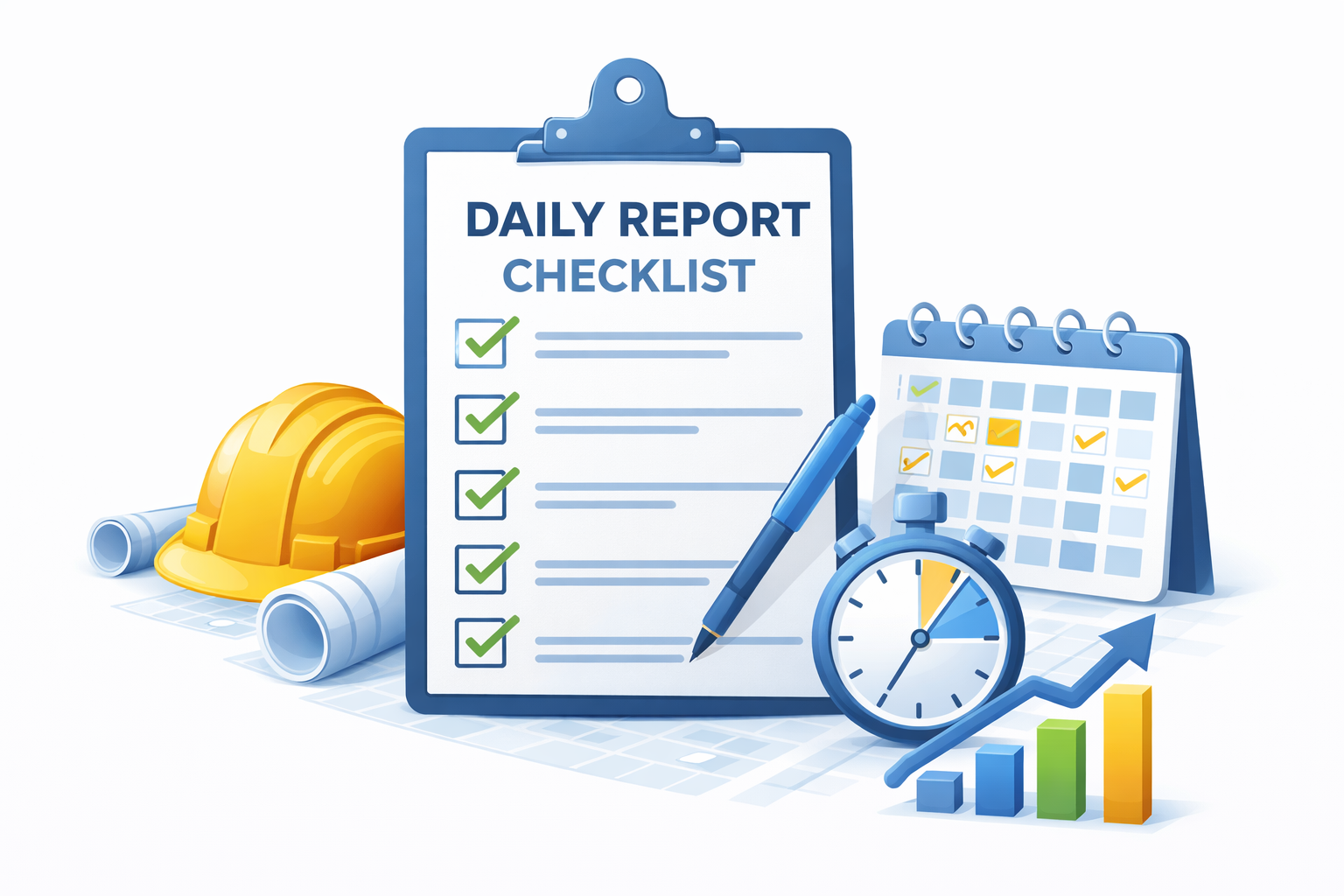
A good daily report is repeatable. Not perfect. Repeatable. You want the same core fields day after day so the project record tells a coherent story. This guide gives you a checklist you can hand to a superintendent or foreman and actually get consistent results.
The one-line goal
Record enough detail that a reasonable person can understand what happened on site that day — without guessing.
Daily report checklist (the essentials)
If you only capture these items consistently, you’ll be ahead of most of the industry.
1) Header / basics
- Date
- Project name (and job number if you use one)
- Submitted by (name + role)
- Start/stop times (optional, if relevant)
2) Work performed
- Short summary of work completed
- Locations/areas (east wing, level 2, gridline, etc.)
- Quantities when possible (LF, SF, CY, units)
- Subcontractors present (if applicable)
3) Crew counts
- Headcount by crew or trade
- Key equipment onsite (if meaningful)
- Any unusual staffing constraints
4) Weather / site conditions
- Weather (auto + notes)
- Ground conditions / access
- Impacts to work (rainout, wind, heat limits)
5) Deliveries / inspections
- Deliveries received (what + when)
- Inspections performed (type + outcome)
- Tests (concrete, compaction, etc.)
6) Delays / issues
- What slowed progress
- Root cause (weather, access, missing info, trade coordination)
- Who it impacted + how
- What you did about it (actions taken)
Photos: the simplest credibility boost
Photos are incredibly valuable — if they have context. A photo without a caption is just a mystery. If you attach photos to daily logs, add a short description:
Good photo captions include:
- Where: area / level / gridline
- What: what you’re showing
- Why it matters: progress, issue, delivery, or condition
A quick example (plain language)
Notice the wording: factual, specific, and easy to understand later.
Work performed: Installed 120 LF of 2" conduit in north corridor (Level 1). Pulled wire for lighting circuits in Rooms 110–118.
Crew: Electrical (6). Equipment: scissor lift (1).
Weather: Rain AM; muddy access at south gate. No rainout.
Deliveries: Received lighting fixtures (partial) — 12 of 24. Stored in Room 105.
Delays/issues: Delayed 1 hour waiting on ceiling grid install in Rooms 114–118. Notified GC; rescheduled to tomorrow pending grid completion.
Common mistakes (and how to avoid them)
- Vague language: Replace “worked on conduit” with location + quantity.
- Late reports: Fill out the report same day (or it turns into guesswork).
- Missing impacts: Document delays and the cause, not just that you were “behind.”
- Photo chaos: Attach photos to the date and add a short caption.
For the full “don’t do this” list, see: Common daily log mistakes.
Why this matters for billing & compliance
Daily logs become powerful when they connect to the rest of your workflow:
- Support percent complete during pay app review
- Document delays that impact schedule or productivity
- Create a defensible timeline for disputes
- Help clarify work periods when closeout and waivers come into play
This is exactly why DailyLogsPro is built to work alongside PayAppPro and LienWaiverPro.
FAQ
Related guides
- What is a construction daily log?
- Common daily log mistakes
- Template vs software
- How daily logs support pay apps
DailyLogsPro (Q2 2026)
Verified field reporting: weather, crew counts, photos, notes, and geo/time capture — built to support billing and reduce disputes.
Get Launch AlertsBuilt by Morton Technologies LLC (Metro Detroit).