Daily Log Template vs Software (What Actually Works)
Templates aren’t “bad.” They’re just fragile. Here’s when a daily log template is enough, when it breaks down, and what daily log software actually fixes in the real world.
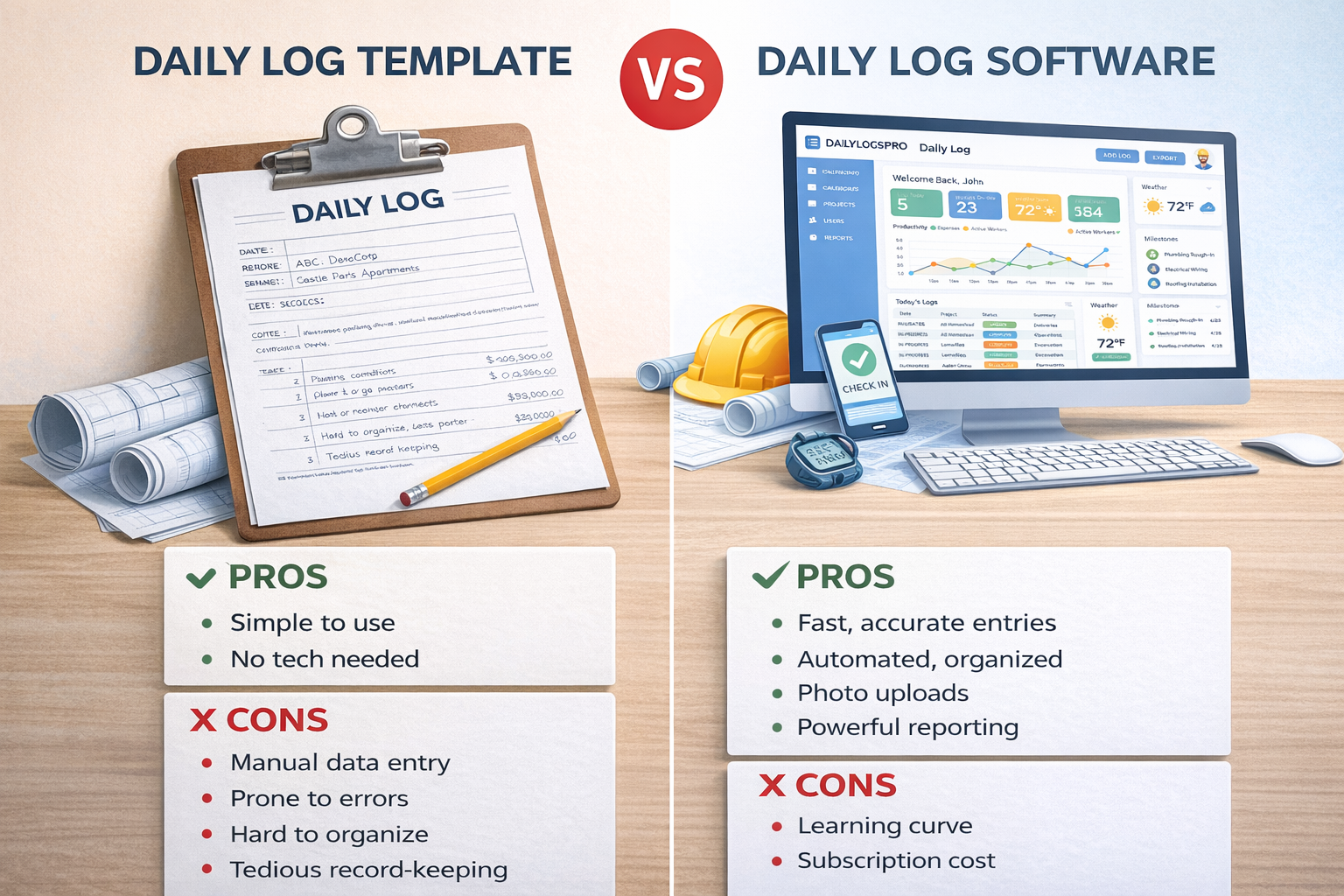
If your daily logs live in a spreadsheet or a Word doc, you’re not alone. Templates are common because they’re easy to start. The problem is they don’t scale — especially when multiple people are submitting, photos are involved, or billing gets questioned.
The real question
Can you produce a consistent, credible daily record on demand — without digging through texts, emails, and someone’s camera roll?
When a daily log template is “good enough”
Templates can work if your situation looks like this:
- 1–2 active jobs
- One person (or a very disciplined small team) writing the logs
- Minimal photo documentation needs
- No frequent disputes or heavy pay app scrutiny
- You don’t need a clean audit trail of who submitted what
Template reality check
Templates aren’t the problem. Inconsistent use is. Most teams don’t fail because the template is missing a field — they fail because the log doesn’t get written (or gets written late).
Where templates break down (fast)
This is the predictable failure pattern:
- Multiple contributors: each person logs differently (or not at all)
- Photo chaos: photos scattered, unlabeled, no connection to dates
- Weather guessing: weather gets skipped until it suddenly matters
- Delay documentation missing: “we were behind” with no cause or impact
- No audit trail: no clear record of when the log was written or by who
Once you hit that stage, templates don’t just “feel annoying” — they create gaps that hurt billing credibility.
What daily log software actually improves
Good daily log software doesn’t exist to make paperwork prettier. It exists to make consistency the default and to keep supporting evidence organized.
Consistency
Structured fields and a checklist reduce “freeform chaos” and missing details.
Speed
Faster entry means logs get done same-day. Same-day logs are credible logs.
Photo organization
Photos live with the log date and get captions — not buried in a camera roll.
Credibility
User attribution, timestamps, and an audit trail reduce “this was written later” arguments.
What features matter most (skip the fluff)
If you’re comparing tools, focus on the features that actually affect outcomes:
- Fast structured entry (not a 40-field form)
- Photos + captions tied to date/project
- Weather capture with jobsite notes
- Crew counts by trade/crew
- Delays/issues tracking with cause + impact
- Clean exports (PDF you can attach or email)
- User attribution / audit trail (who submitted and when)
How this connects to billing and waivers
Daily logs get “serious” the moment billing gets questioned. That’s why DailyLogsPro is being designed to work alongside:
- PayAppPro for pay application support and billing backup
- LienWaiverPro for cleaner documentation trails through closeout
Launch is planned for Q2 2026. If you want early access, we’ll keep you in the loop.
FAQ
Related guides
- What is a construction daily log?
- What to include in a daily report
- Common daily log mistakes
- How daily logs support pay apps
DailyLogsPro (Q2 2026)
Verified field reporting: weather, crew counts, photos, notes, and geo/time capture — built to support billing and reduce disputes.
Get Launch AlertsBuilt by Morton Technologies LLC (Metro Detroit).