How to Document Weather Delays in Construction
Weather delays are one of the most argued-about “facts” on a job. The fix is simple: document weather and impact consistently, the same day, with clear language. This guide gives you exactly what to record and example wording that holds up later.
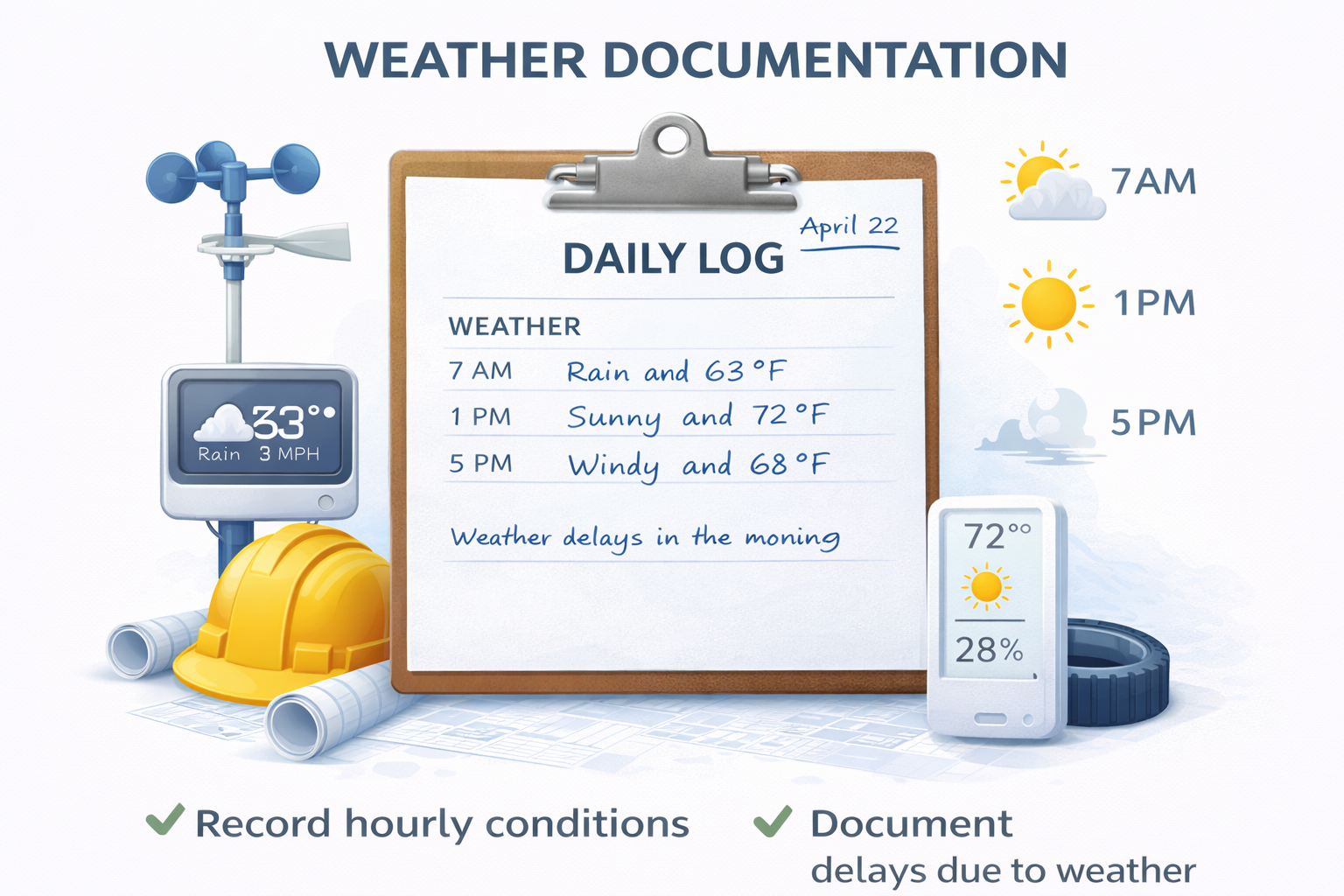
If weather becomes a schedule conversation, the first question is always: “Show me the documentation.” The biggest mistake teams make is waiting until the end of the month to reconstruct “weather days.” That’s when it turns into opinions instead of facts.
The goal
Record weather conditions and the impact clearly enough that someone who wasn’t there can understand what happened without guessing.
What to record for a weather delay (the checklist)
When weather impacts work, capture these items:
Conditions
- Rain / snow / wind / heat / lightning
- Approximate start/stop time window
- Visibility / standing water / ice conditions
- Temperature (if relevant)
Impact
- What work was impacted (trade + activity)
- Where (area/phase)
- Hours lost (estimate is fine if honest)
- Whether access was restricted
Actions taken
- Work suspended or shifted to interior tasks
- Protection installed (tarps, coverings, pumps)
- Reschedule notes
- Notifications (GC/owner) if relevant
Evidence
- Photos of site conditions (mud, standing water, snow)
- Notes on equipment restrictions
- Inspection delays tied to conditions
Write it like this (example language)
Keep it factual. Keep it specific. Avoid emotional language and blame.
Weather: Heavy rain 7:15–10:30 AM. Standing water at south access road; muddy conditions in laydown area.
Impact: Exterior grading suspended 7:30–10:45 AM. Lost ~3.0 hours. Concrete formwork delayed due to access restrictions.
Actions: Shifted crew to interior cleanup and material staging. Pumps installed at south access to improve conditions for afternoon work.
“No impact” days still matter
If it rained and you were still productive, document that too. It adds credibility and reduces “you ignored weather” arguments.
Example: “Light rain 9:00–11:00 AM. No impact to interior framing. Exterior work postponed to tomorrow.”
Common mistakes (and quick fixes)
- “Weather bad” with no detail → add time window + impact.
- No hours lost → add a reasonable estimate.
- Missing location → specify which area was affected.
- No action taken → document reschedule or alternate work.
- Reconstructing later → same-day entry, even if short.
Why weather documentation matters for billing
Weather impacts can affect production, schedule, and percent complete. When pay apps get questioned, weather notes can explain why progress wasn’t linear. (This is one reason DailyLogsPro is designed to pair well with PayAppPro.)
FAQ
Related guides
- What to include in a daily report
- Common daily log mistakes
- How daily logs support pay apps
- How to organize jobsite photos
DailyLogsPro (Q2 2026)
Verified field reporting: weather, crew counts, photos, notes, and geo/time capture — built to support billing and reduce disputes.
Get Launch AlertsBuilt by Morton Technologies LLC (Metro Detroit).